When registering for SuiteConnect New York, you'll be prompted to use your Oracle Single Sign-On (SSO) credentials. If you're already have an Oracle SSO account, confirm you have set up Multi-Factor Authentication (MFA), if already set up you can jump to Step 2: Completing the Registration Process. If you do not have an Oracle SSO, follow Step 1A: Creating an Oracle Account.
Step 1a: Creating an Oracle Account
Navigate to the Oracle Account Creation page at Oracle | Create Account(opens in a new tab).
Fill in the required details, including your first name, last name, email address, and choose a password. Make sure to use an active email address to ensure you can access important communications from Oracle and to save the password as you will need it again.
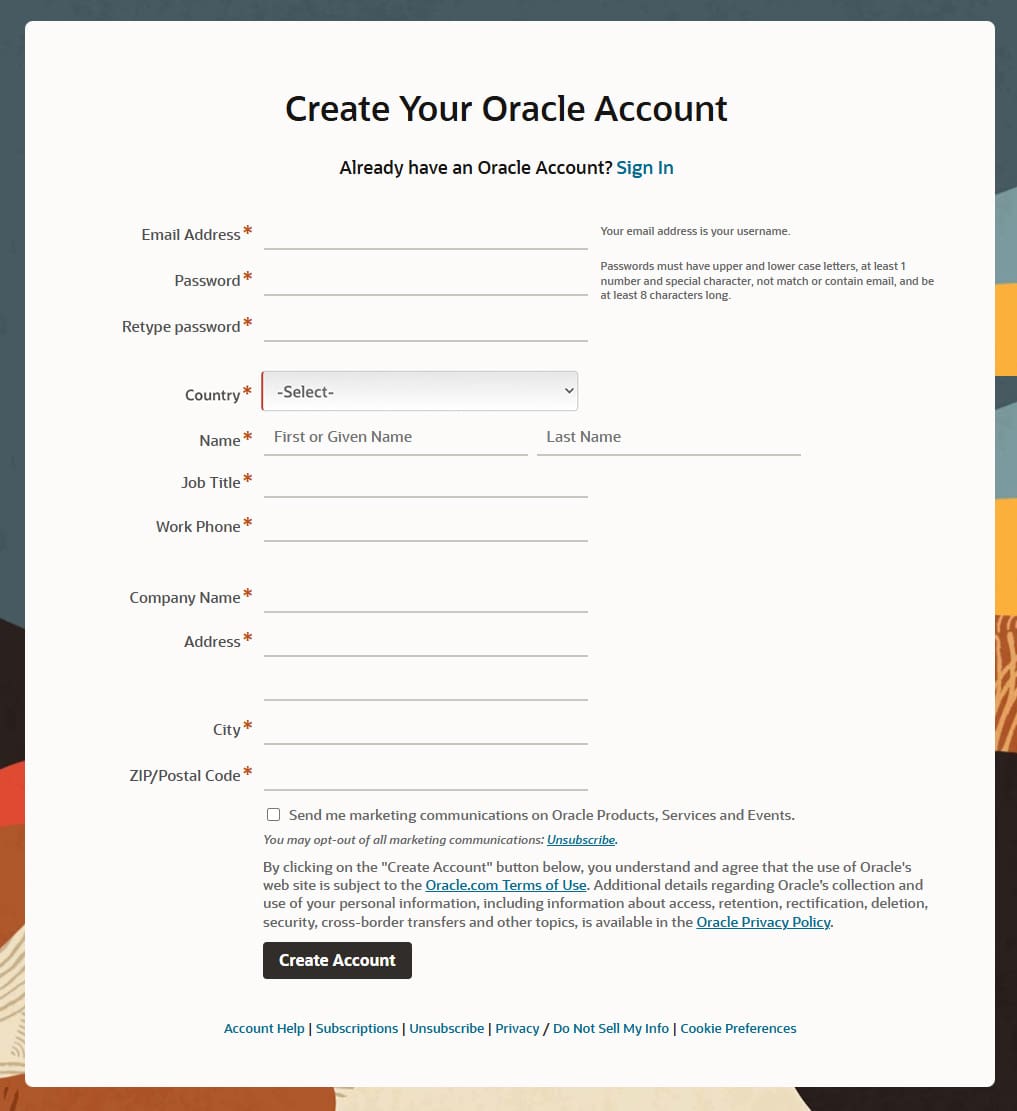
Review the terms and conditions, and Click “create account”.

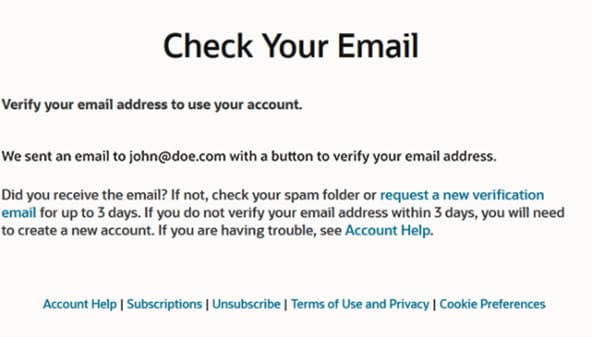
Check your email for a confirmation message from Oracle, and follow the instructions to verify your email address.

Step 1b: Ensure your account is enrolled in MFA
- You will be prompted to enroll in MFA upon your first login at any Oracle portal. Watch this video(opens in new tab) to see the setup process.
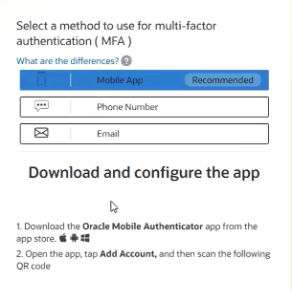
- Follow the on-screen guide to choose your preferred MFA method (Oracle Mobile Authenticator, Mobile SMS or email ID-based One-Time Password), enter details, and verify your code.
- Oracle Mobile Authenticator (OMA) is available on Windows(opens in new tab), Android(opens in new tab), and Apple(opens in new tab).
- That’s it—next login you’ll enter your password plus complete your MFA method of choice.
Need help?
Step 2: Complete the Registration Process
Visit the SuiteConnect New York registration page(opens in new tab), if not already open.
Enter your Oracle account credentials (email address and password) and click “Sign In”. You will be redirected to complete your MFA prior to being directed to the registration page.
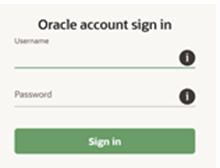
Once logged in you will be redirected to the registration page to complete your registration for SuiteConnect New York.
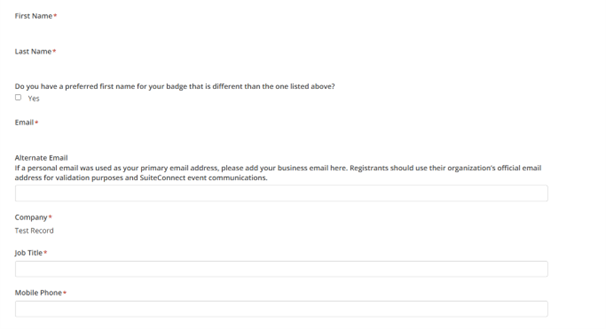
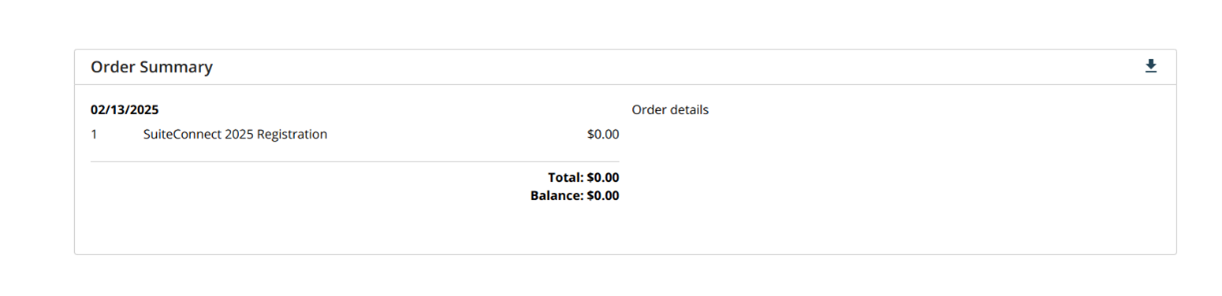
Continue through the registration process until you land on the submission page where you will see your registration status (preview below). You will also receive an email with your registration information. If you have any questions contact netsuiteevents@oracle.com.
Pending page preview.

Confirmation page preview.