
NetSuite 2026.2 introduces Ask Oracle capabilities to NetSuite, making the conversational AI assistant from NetSuite Next available within your current NetSuite experience. You can use natural language to ask questions about your data, generate reports, surface insights, navigate records, and complete everyday tasks.
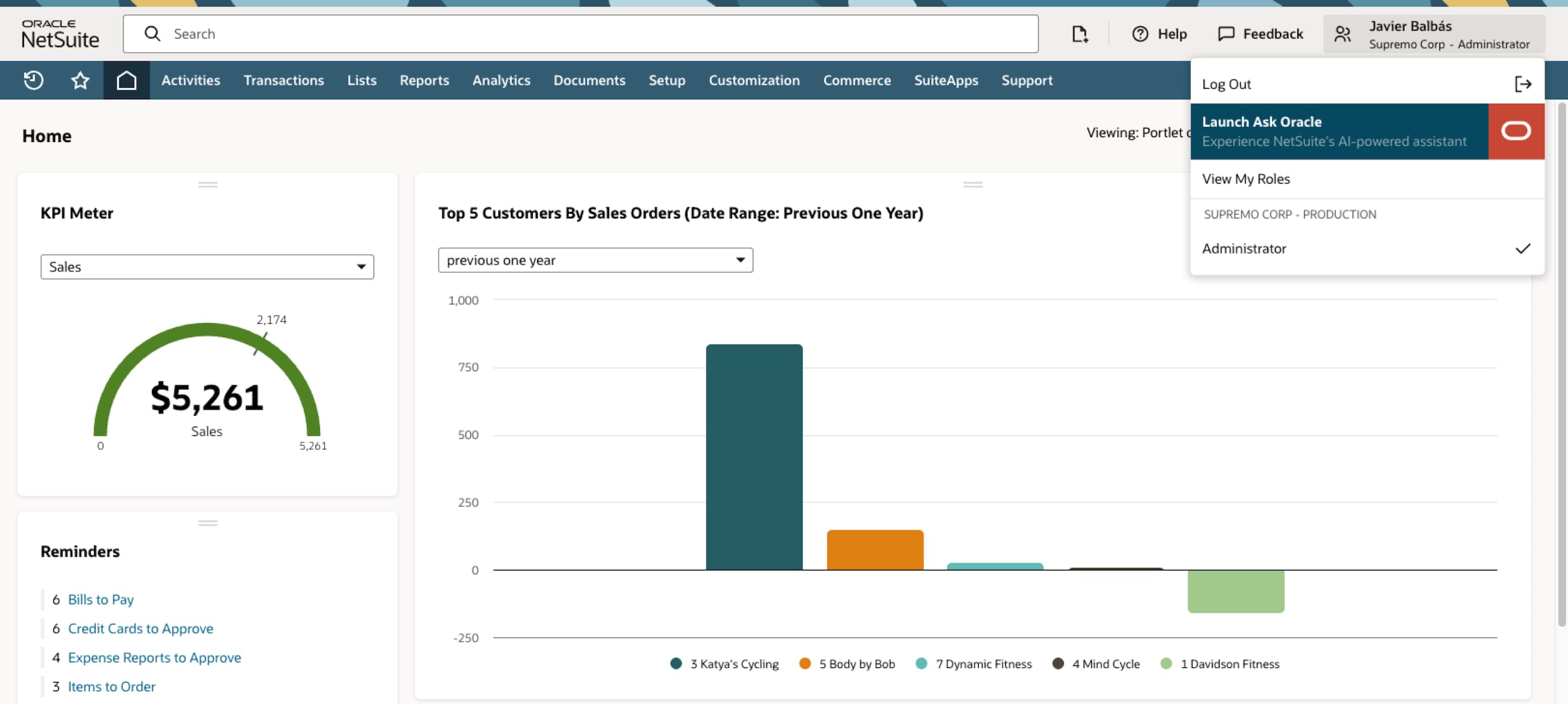
Get answers and insights
Ask Oracle lets you use your own words to ask about a wide range of topics, including basic questions about how to use NetSuite and more complex ones, such as analyzing business data and helping produce narratives and charts based on that analysis.
When you want to dig deeper into the numbers, you can move from a chat conversation into a canvas. A canvas is an additional workspace that can be used for producing ad hoc dashboards, visualizations, and analyses. You can use canvases to organize summaries, KPI scorecards, charts, graphs, tables, and sections of text as you refine your analysis. When you’re done, print or export these canvases as PDFs.
Find what you need more quickly
With Ask Oracle, spend less time navigating, guessing exact terms, or opening multiple similar results. Ask Oracle can help identify relevant records, pages, reports, or dashboards. Whether you have a name, an ID, an email address, a phone number, a few keywords, or a specific request, such as “show me the top customers with overdue invoices”, Ask Oracle finds relevant information without searching through menus.
Designed for trust and transparency
Ask Oracle is designed to operate within your existing roles and permissions, so users access information and perform functions based on their authorization. Responses include a Show Explanation button that allows you to see how a response was generated. Users can also provide feedback on responses using thumbs-up and thumbs-down buttons, which can help improve the Ask Oracle experience over time.
By providing a powerful AI assistant that knows both NetSuite and your business, Ask Oracle helps you accomplish more, faster, and more easily. No matter where you are in NetSuite, Ask Oracle is right there with you, ready to help you take the next step. Instead of starting with a menu or report, you can ask in your own words. Because Ask Oracle is part of NetSuite Next, the familiarity you build can help as your organization moves to NetSuite Next.
Your next steps
Shortly after your NetSuite account is updated to 2026.2, your NetSuite administrator will see a banner enabling them to request a preview account or activate NetSuite Next. Administrators will manage access for your organization. Access can be enabled by role. Connect with your administrator to determine the best path for your organization and begin your NetSuite Next experience.
Available to customers in the United States and Canada; additional countries coming soon.
Learn more about NetSuite 2026.2
Read more about this release on our Sneak Peek page or dive deep
into the Release Notes. (opens in new
tab) Most importantly, don’t forget to request your Release Preview (opens in new
tab) test account so you can get direct access and see how new features
will work with your data, workflows, and customizations.
The preceding is intended to outline our general product direction. It is intended for information purposes only and may not be incorporated into any contract. It is not a commitment to deliver any material, code, or functionality and should not be relied on in making purchasing decisions. The development, release, timing, and pricing of any features or functionality described for Oracle’s products may change and remain at the sole discretion of Oracle Corporation.