
The NetSuite 2026.2 release marks the start of the rollout of NetSuite Next. Building on the NetSuite you use to run your business today, NetSuite Next redefines how you interact with NetSuite by embedding AI more deeply across the business processes, records, and analytics you rely on every day. The result is a more intuitive way to work that lets you move faster, uncover insights more easily, and make decisions with greater confidence.
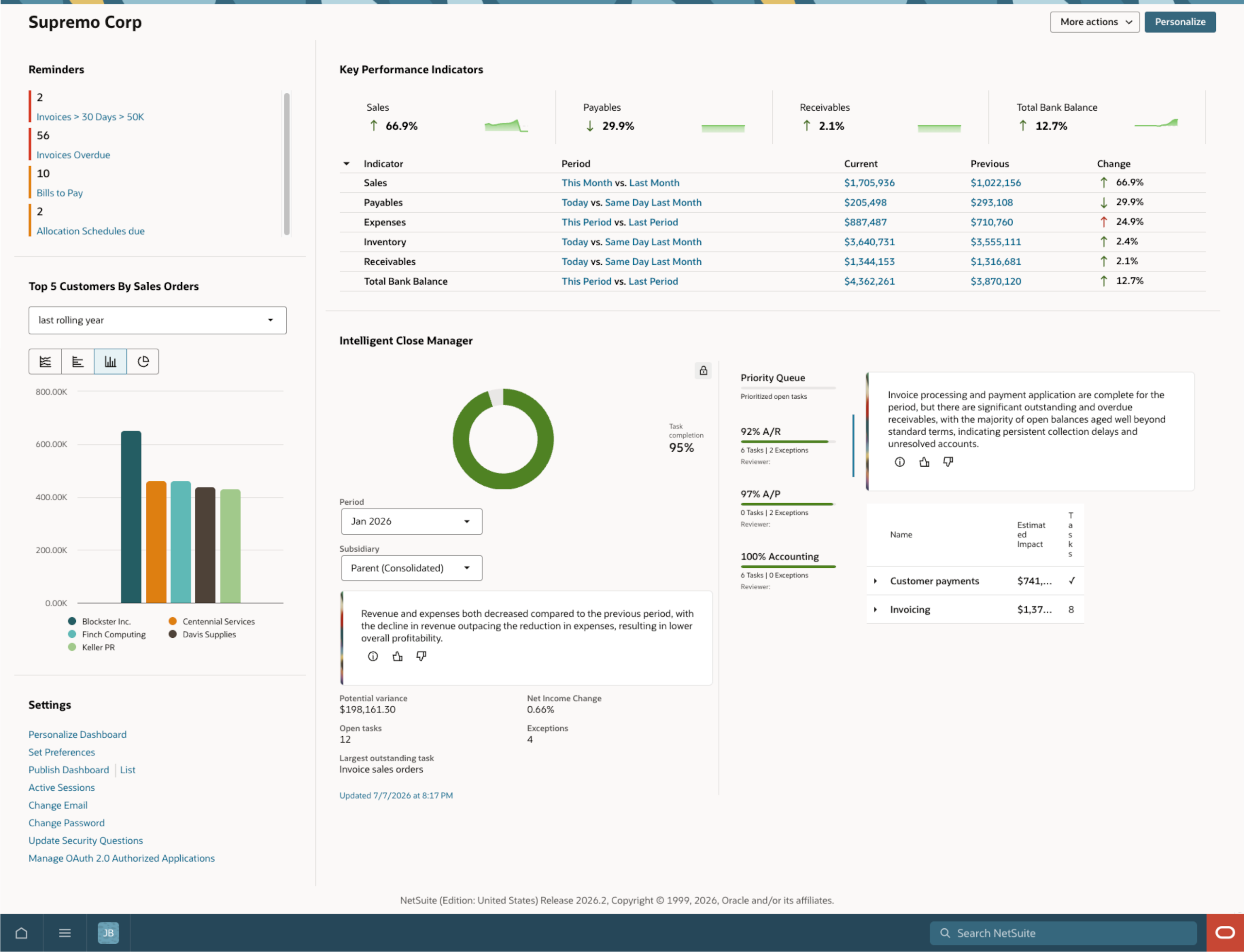
Every organization approaches change differently, so you have the flexibility to experience NetSuite Next in the way that works best for your business. Whether you want to start with a preview account to explore the full NetSuite Next experience before making the switch or enable NetSuite Next in your production account right away, you can choose the path that's right for your organization.
You can start with a preview account, which is a copy of your current environment with your data, roles, workflows, and customizations. The preview account lets you explore the full NetSuite Next experience before making the switch, including the redesigned navigation, updated records, lists, reports, and AI-powered capabilities—all designed to bring greater insights, simplicity and speed to everyday work.
At the center of NetSuite Next is Ask Oracle, a conversational AI assistant embedded across the suite that lets you query and analyze data and take action using natural language. Ask Oracle is designed to deliver context-aware answers, visualizations, and AI-driven insights directly within your workflow. Just describe what you need in natural language: ask questions about your data, generate reports, surface insights, navigate records, and complete everyday tasks.
Or switch to NetSuite Next right away. Your administrator can grant access to NetSuite Next by role, helping teams transition to the new experience at a pace that fits your organization. It’s easy to switch from NetSuite to NetSuite Next. Your data, roles, permissions, customizations, and workflows stay the same—no data migration or reimplementation needed.
NetSuite Next is designed to let you work more intuitively by embedding AI more deeply across the NetSuite experience. Whether you choose to first explore the experience in a preview account before making the switch or activate NetSuite Next in your production account right away, you can adopt NetSuite Next in the way that's right for your organization.
Your next steps
Shortly after your NetSuite account is updated to 2026.2, your NetSuite administrator will see a banner enabling them to request a preview account or activate NetSuite Next. Administrators will manage access for your organization. Access can be enabled by role. Connect with your administrator to determine the best path for your organization and begin your NetSuite Next experience.
Available to customers in the United States and Canada; additional countries coming soon.
Learn more about NetSuite 2026.2
Read more about this release on our Sneak Peek page or dive deep
into the Release Notes (opens in new
tab). Most importantly, don’t forget to request your Release Preview (opens in new
tab) account so you can get direct access and see how new features will
work with your data, workflows, and customizations.
The preceding is intended to outline our general product direction. It is intended for information purposes only and may not be incorporated into any contract. It is not a commitment to deliver any material, code, or functionality and should not be relied on in making purchasing decisions. The development, release, timing, and pricing of any features or functionality described for Oracle’s products may change and remain at the sole discretion of Oracle Corporation.